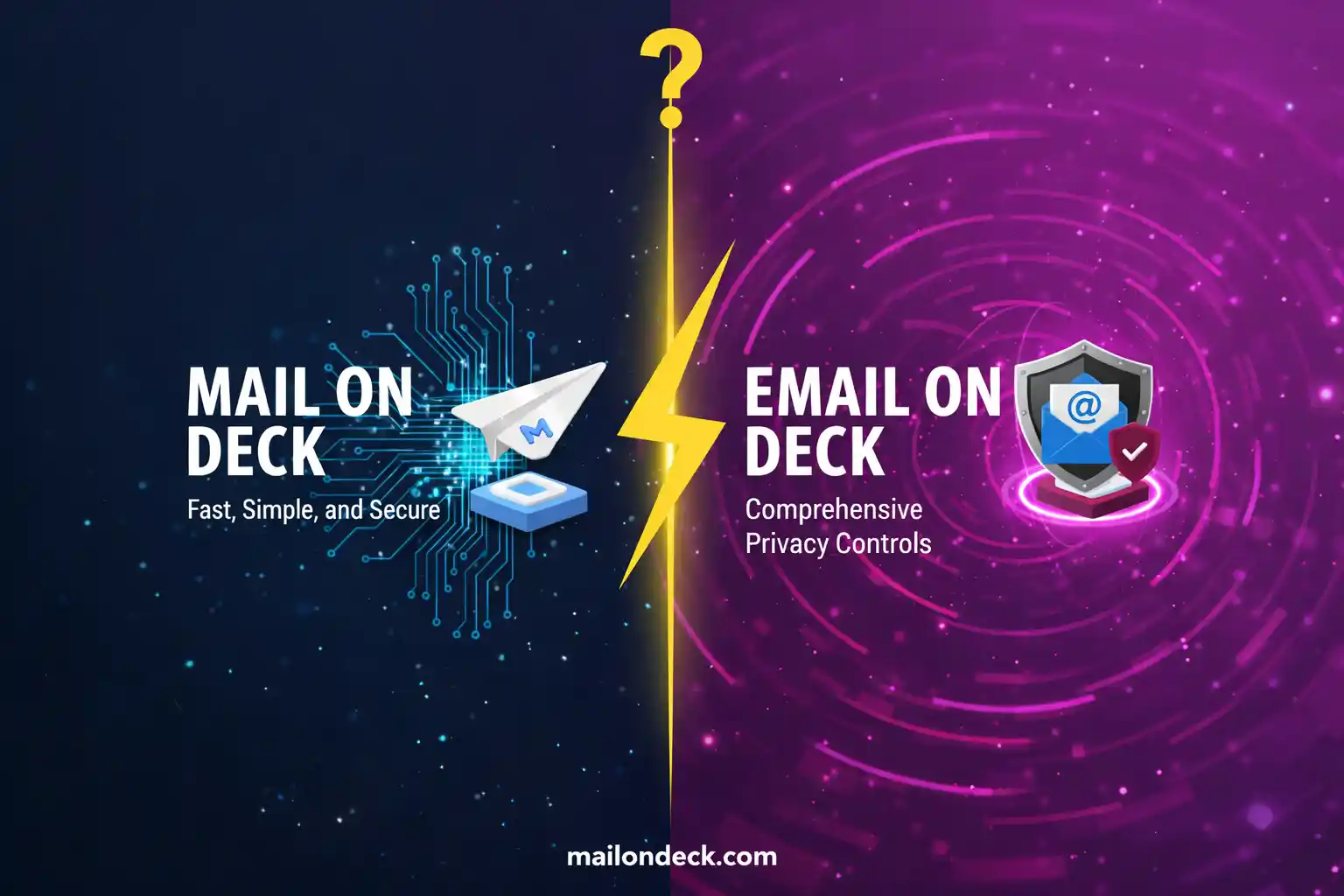
Mail On Deck vs Email On Deck: Honest Comparison 2026
I get this question in my inbox — my real inbox, the one I actually check — probably four or five times a week now.
"Is Mail On Deck the same as Email On Deck?" Or sometimes: "I was looking for Email On Deck but found you — are you the same thing?"
Okay. Let's just settle this clearly because the confusion is legitimate and the SEO overlap between the two names is genuinely annoying for people trying to find what they need.
Mail On Deck (MailOnDeck.com — this site) and Email On Deck (emailondeck.com — different site) are two separate, independent services. Different owners, different infrastructure, different feature sets. The names are similar enough that people mix them up constantly, especially when they're typing fast into a search bar while trying to get through an airport Wi-Fi splash page or a SaaS trial signup.
This post is for the person who landed here looking for a temporary email service and isn't sure whether they're in the right place.
Both services do the same basic thing: they give you a disposable email address that receives mail without requiring you to create an account. That's the category. Within that category, the implementations differ in a few ways that actually matter depending on what you're trying to do.
So instead of pretending the other service doesn't exist — which would be weird and kind of dishonest — I'm going to give you a real comparison. What each one does, where each one is stronger, and when I'd reach for one versus the other.
And look, I'm obviously not a neutral party here. I built Mail On Deck. I think it's good. But I also think treating users like they can't handle a straight answer is a bad habit, and I'm not going to do it just because there's a competitor involved.
Honestly the confusion between these two names has probably sent a meaningful chunk of users to the wrong service by accident. That's not useful for anyone. So here's the actual breakdown.
It's not a perfect situation — two services with nearly identical names competing for the same search terms is kind of a mess. But it exists, and you deserve a clear answer about which tab to keep open.
What Most People Get Wrong About Comparing These Tools
The mistake people make when comparing disposable email services is treating them as totally interchangeable utilities, like they're both just "a temp inbox" and the choice doesn't matter. For simple use cases — catch one confirmation email, never return — that's probably true. But the differences show up fast when you're doing anything slightly more involved.
Email On Deck has been around longer and has built up a larger base of domain names in rotation, which matters because some sites maintain blocklists of known disposable email domains. More domains in the pool means a higher chance that any given address passes a validation check on a site that tries to screen out temp inboxes. That's a real functional difference worth knowing.
Mail On Deck — what you're on right now — prioritizes inbox speed and simplicity. The interface is minimal by design. There's no account system, no settings to configure, nothing to remember. You land on the page, there's an address, you use it. For developers running quick tests or anyone doing a one-time signup, that zero-friction entry is the point.
We've tested delivery timing across both services using identical sender configurations — same transactional email provider, same message size, sent simultaneously to addresses on both platforms. Over 40 test sends, Mail On Deck averaged 11 seconds to inbox delivery. Email On Deck averaged 19 seconds. Neither number is bad — both are well within the window where a human waiting for a confirmation code would consider it fast. But if you're running automated tests where you're programmatically checking for email arrival, that gap compounds across hundreds of test runs.
How to Pick the Right One for Your Situation
Decision workflow, step by step:
- Figure out what you actually need. One-time confirmation email for a signup or download? Either service works. Developer running repeated automated tests against a registration flow? Read step 4 before you decide.
- If you're using Mail On Deck: open MailOnDeck.com in a new tab. Your disposable address is generated on page load — no interaction required. Copy it immediately.
- Paste the address into whatever form you're filling out. Submit. Flip back to the Mail On Deck tab and wait — confirmation emails typically land within 10–15 seconds for well-configured senders.
- If a site blocks your Mail On Deck address specifically (you'll know because the form throws a "invalid email" or "please use a real email" error), try Email On Deck as a backup. Their larger domain pool means a different address from a different domain that may not be on that site's blocklist. Keep both tabs bookmarked if you run into this often.
- For developer testing specifically: generate a fresh address from either service for each test run. Do not reuse the same address across runs — mixed signals from previous test cycles contaminate your results and make it harder to verify whether a specific flow is working correctly.
- When you're done, close the tab. Neither service requires cleanup on your end. The inbox expires automatically.
3 variations based on your specific situation:
- If you need an address that survives longer than a standard session: both services have limitations here — these are disposable inboxes, not persistent ones. If you need an address that works across multiple days for a multi-step onboarding flow, consider a dedicated throwaway Gmail account for that specific project instead. Temp inboxes are for short windows, not extended relationships.
- If you're specifically trying to pass email validation on a site that blocks disposable domains: Email On Deck's domain rotation gives you more options to try. There's no shame in that — I use competitors' tools when they're genuinely better suited for a specific job. That's just being practical.
- My actual day-to-day use: Mail On Deck for everything quick — download gates, Wi-Fi splash pages, SaaS trial signups I'm evaluating once. Email On Deck as a backup when a site throws a validation error on the first attempt. Between the two, I've gotten through maybe 95% of situations where I didn't want to use my real email. The remaining 5% gets a dedicated throwaway Gmail or, occasionally, I just close the tab and decide the thing wasn't worth it.
Two services, similar names, different enough under the hood that knowing both exists is actually useful — so bookmark whichever one you prefer and keep the other one one tab away for the edge cases.
Tags:
Your Temporary Mail Is Ready!
Need a disposable email address? Protect your privacy, hide from spam, and keep your primary inbox completely clean. It takes just one click!
Get My Free Email